Owns the platform: users, roles, permissions, branches, settings, audit logs, overrides, delete and restore.
Case Study — own project
FerroBid
The idea
Industrial scrap in India is still sold by phone call and handshake. FerroBid is my own attempt at the alternative: a national auction platform where a seller's material is inspected on site, approved, catalogued, auctioned live to verified buyers, paid for, collected and settled, with every step recorded and every role seeing only its part.
The research
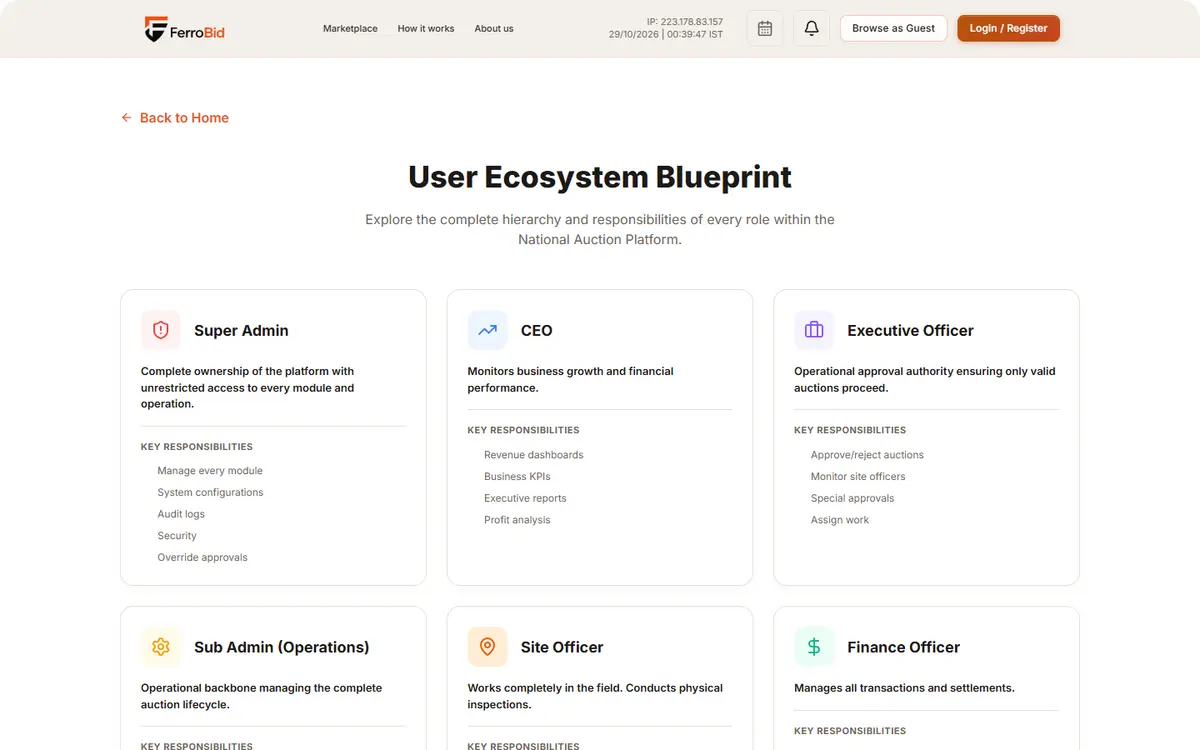
Before any code I wrote the business down: who the users are and what each may do, and how an auction actually moves from the first call to the closed ledger. That became thirteen roles and thirteen workflows, from seller onboarding to complaint resolution, and it is the spec the product is built against. Both are on this page.
What exists today
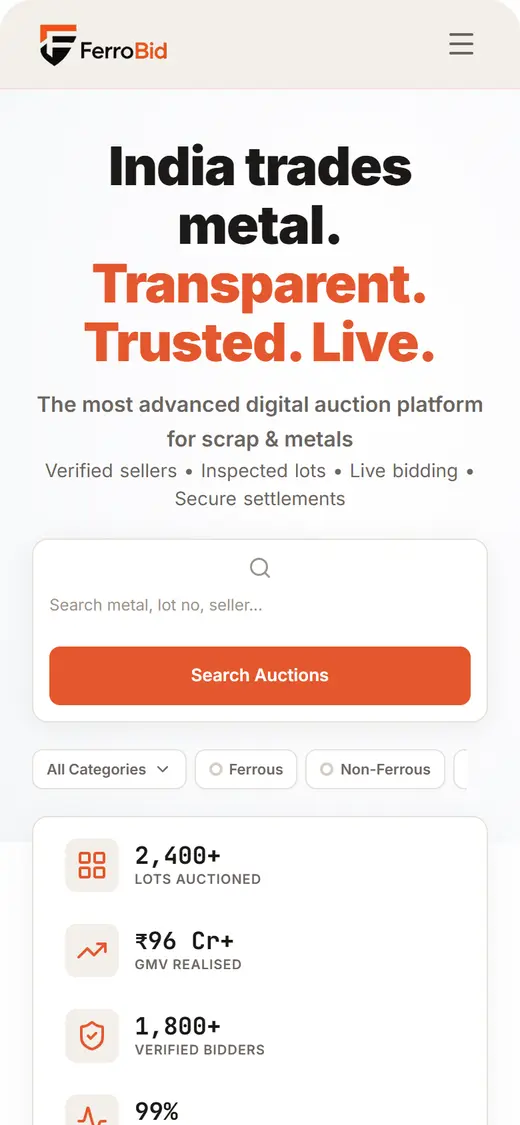
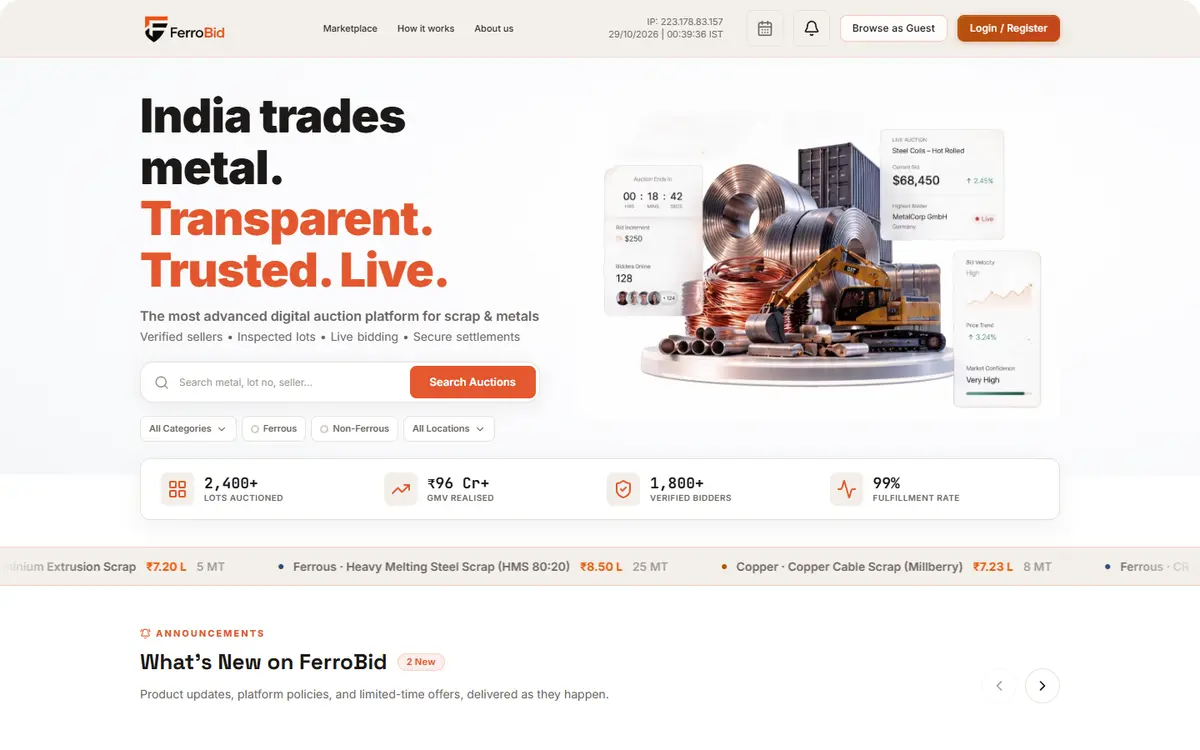
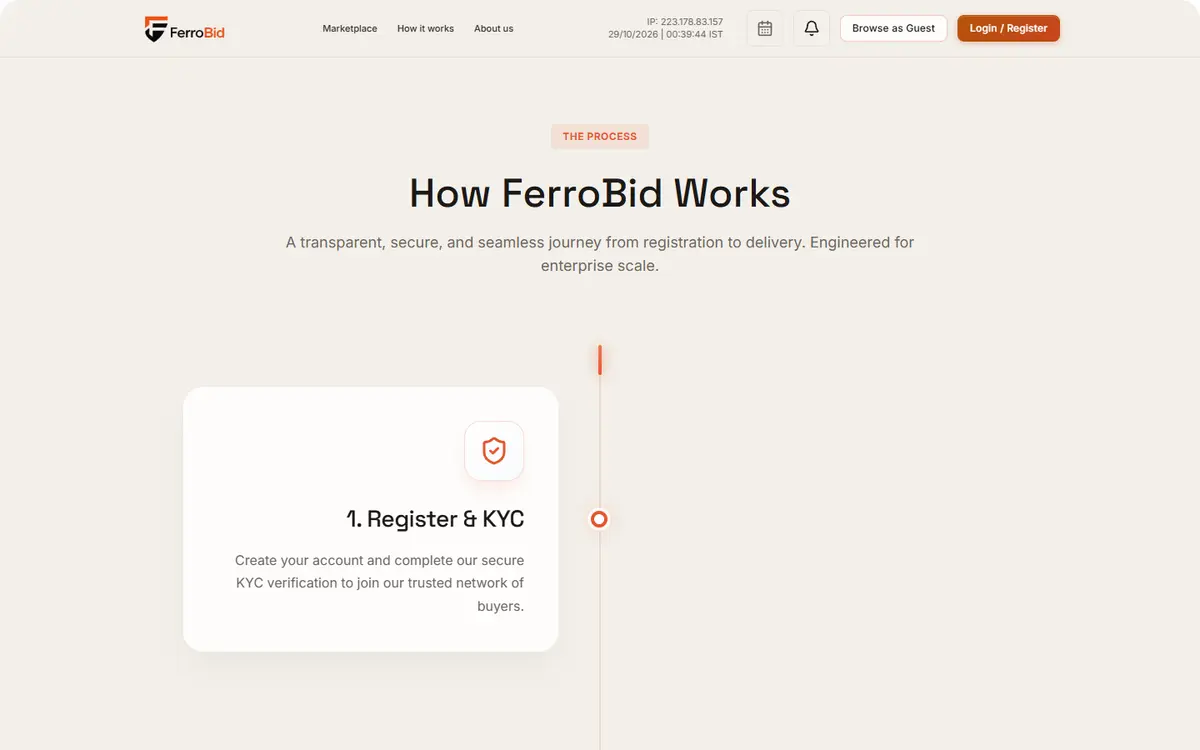
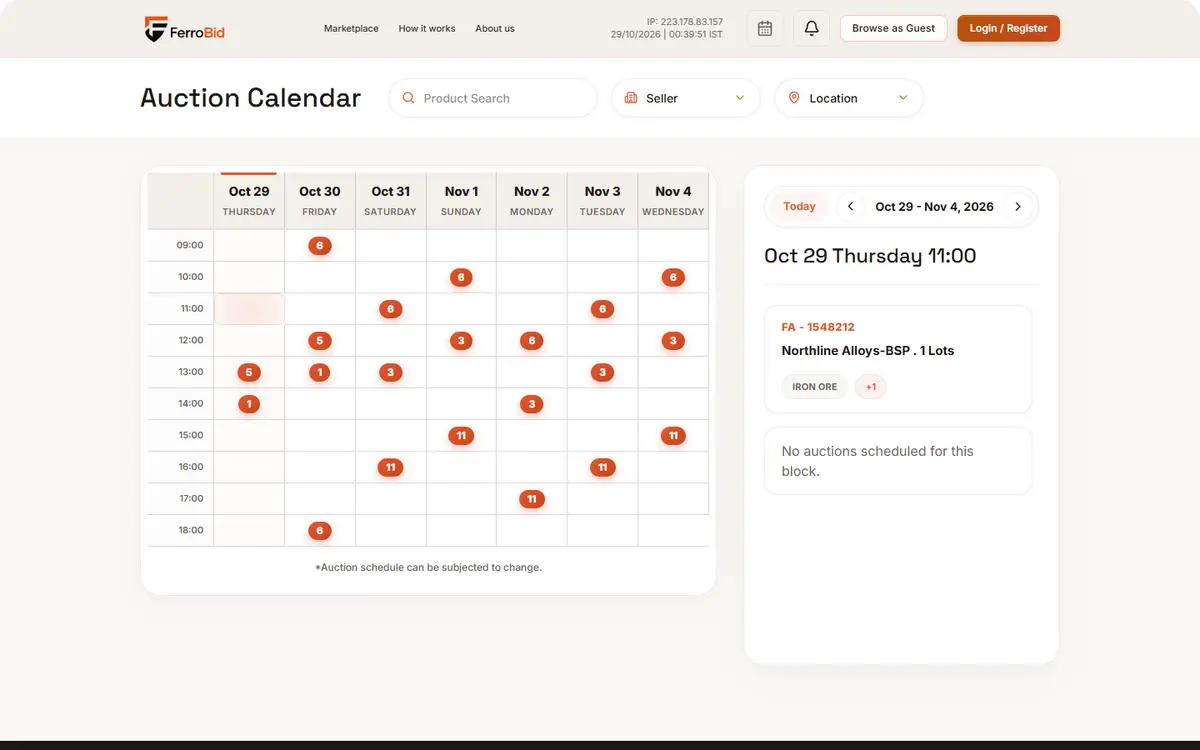
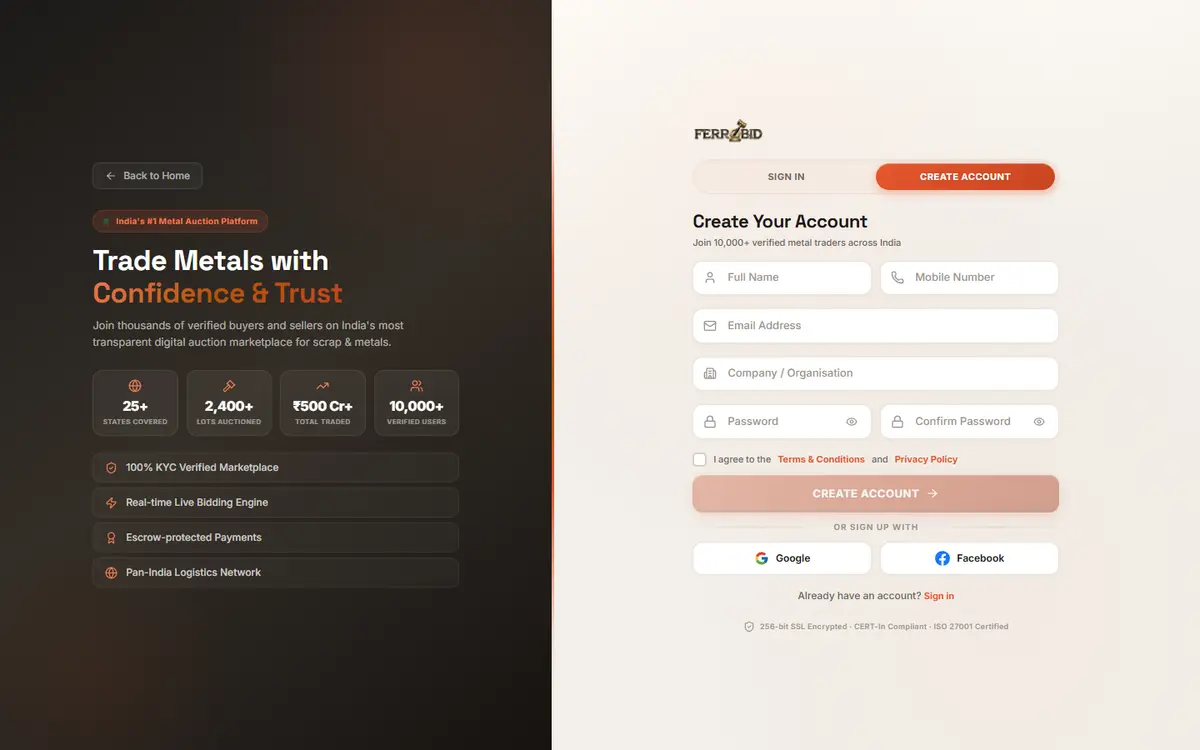
The public side is built: the home page with a live ticker and market insight, a marketplace that filters lots by category, seller, state and status, how it works, the role blueprint, an auction calendar, pricing, sign-in and registration, and the support pages a platform like this needs. It is React 19 on Vite with Tailwind 4 and Framer Motion, and a Playwright suite runs axe across twelve viewports from 320px to desktop. Next: the role dashboards and the bidding backend.
The auction lifecycle
From the seller's first call to the closed ledger
- Sub AdminSeller registeredDocuments collected
- Site OfficerSite inspectionPhotos, video, quantity, condition, value
- Executive OfficerReport approvedOr sent back for corrections
- Sub AdminLots and catalogueCategories, images, catalogue PDF
- Executive OfficerAuction publishedFinal approval, schedule set
- BuyerKYC and EMDVerified, deposit paid
- BuyersLive auctionBids tracked, winner declared
- FinanceSale confirmedBalance paid, invoice issued
- TransporterDeliveryPickup, proof of delivery, both sides confirm
- Finance · CEOClosed and settledCommission, seller settlement, reports
Every hand-off is an approval someone owns. The Executive Officer gates twice, before the catalogue and before publishing; Finance verifies before any document is generated; the auction is closed only after both the seller and the buyer confirm delivery.
01 — The rolesThirteen roles, three tiers
Access on FerroBid is a matter of role. The platform tier sees everything and changes nothing or everything; the operations tier runs the auction; the external tier sells, buys and moves the material. Each role below is what the product is being built to serve.
Platform
Super Admin
CEO
Investor / Board
Revenue, commission, profit, auction performance, buyer and seller growth, branch comparison. Views everything, edits nothing.
Read-only KPIs, growth charts and company performance for directors and external auditors.
Operations
Executive Officer
Sub Admin
Site Officer
Finance Officer
Customer Support
Compliance / Legal
The operations manager. Approves or rejects seller onboarding, inspection reports, lots, auction requests and high-value sales; assigns work; approves publishing.
The busiest seat. Creates sellers, buyers, lots, catalogues and schedules; manages EMD verification, letters, work orders and bid documents; closes auctions and sends final documents.
Works in the field: visits the seller, inspects scrap, machinery, vehicles and assets, uploads photos, video, GPS, quantity, condition and an estimate, recommends approve or reject.
EMD, refunds, invoices, GST, commission, buyer payments, seller settlements and reconciliation.
Buyer and seller support, registration help, auction queries, complaints and tickets. No auction editing.
Agreements, terms, KYC verification, audit documents, blacklists and legal notices.
External
Seller
Buyer
Transporter
Inspection Agency
Submits auction requests, uploads documents, follows status, sees sold lots and payments. Cannot create auctions.
Registers, completes KYC, pays EMD, bids, downloads invoices and sale orders, tracks won lots and payments.
Receives delivery requests, updates transport status, uploads proof of delivery, confirms completion.
An optional third party that uploads inspection and quality reports and verifies assets.
02 — How it worksSix of the thirteen workflows
The lifecycle above is the long one. Underneath it, each stage is its own workflow with its own decision points. These six carry most of the product; the others cover finance, notifications, complaints, executive monitoring and administration.
Seller onboarding
- Inquiry and basic details
- Registration, documents uploaded
- Site Officer assigned
- Physical inspection
- Executive approval or rejection
- Seller activated
Site inspection
- Visit the seller's location
- Inspect the assets
- Photos and videos
- Verify quantity and condition
- Estimate value
- Submit the report for review
Auction preparation
- Create lots, assign categories
- Upload images and documents
- Build the catalogue, generate its PDF
- Schedule the auction
- Executive approval
- Publish
Buyer registration
- Register
- Verify email and mobile
- Submit KYC
- Documents verified
- Sub Admin approval
- Account activated
Winner and payment
- Winner selected and notified
- Sale confirmation letter
- Balance payment
- Finance verification
- Invoice generated
- Delivery order generated
Material delivery
- Delivery order
- Transport arranged
- Material picked up
- Seller confirms
- Buyer confirms
- Delivery complete, auction closed
03 — Built so farThe public marketplace
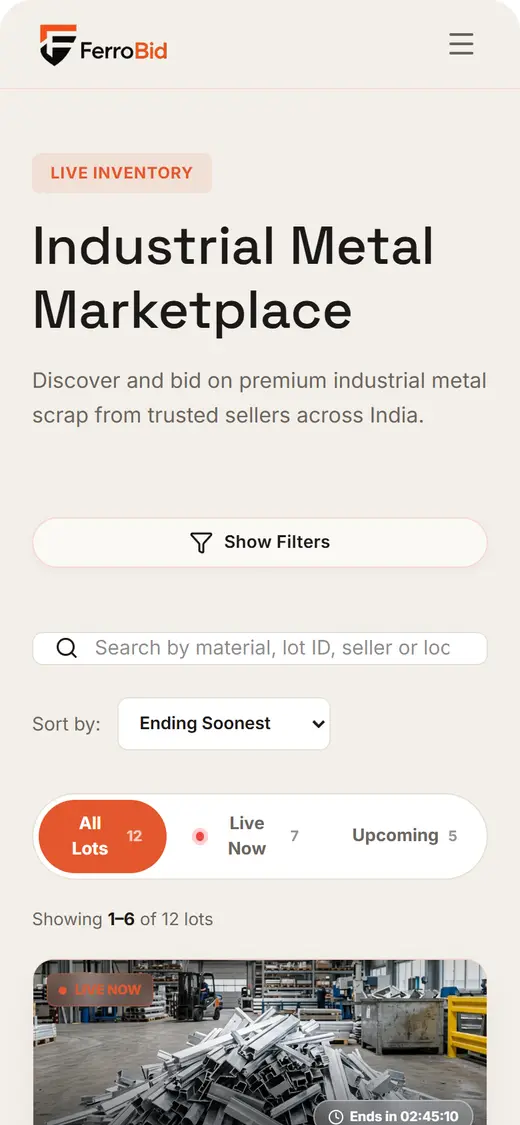
What a visitor can use today. The marketplace is the heart of it: live and upcoming lots, filters by category, seller, state and status, a search across material, lot ID, seller and location, and a bid button that asks you to subscribe first.
- Home: hero search, a live price ticker, announcements, market insight, testimonials
- Marketplace with faceted filters, status tabs and sort
- How it works and the full role blueprint
- Auction calendar with a day view
- Pricing, sign-in and registration with inline validation
- Help centre, FAQs, grievance, blog, knowledge centre, market reports, careers, policies

04 — On a phoneTwelve viewports, one suite
The Playwright config runs the same accessibility checks on six phones from 320px to 430px, tablets and desktops. A buyer in a scrapyard is on a phone, so the marketplace was built there first.